How to Choose a Zoho Partner in India: 12 Questions to Ask Before You Sign
A practical checklist for Indian businesses choosing a Zoho partner: partner tier, certifications, GST and Tally...
Read article

2nd Floor, A-139, Sector 63, Noida 201309, Uttar Pradesh, India


Move from Excel to Zoho CRM without losing history: data mapping, migration, automation rebuilt, integrations reconnected and your team trained. From spreadsheets to a managed pipeline.
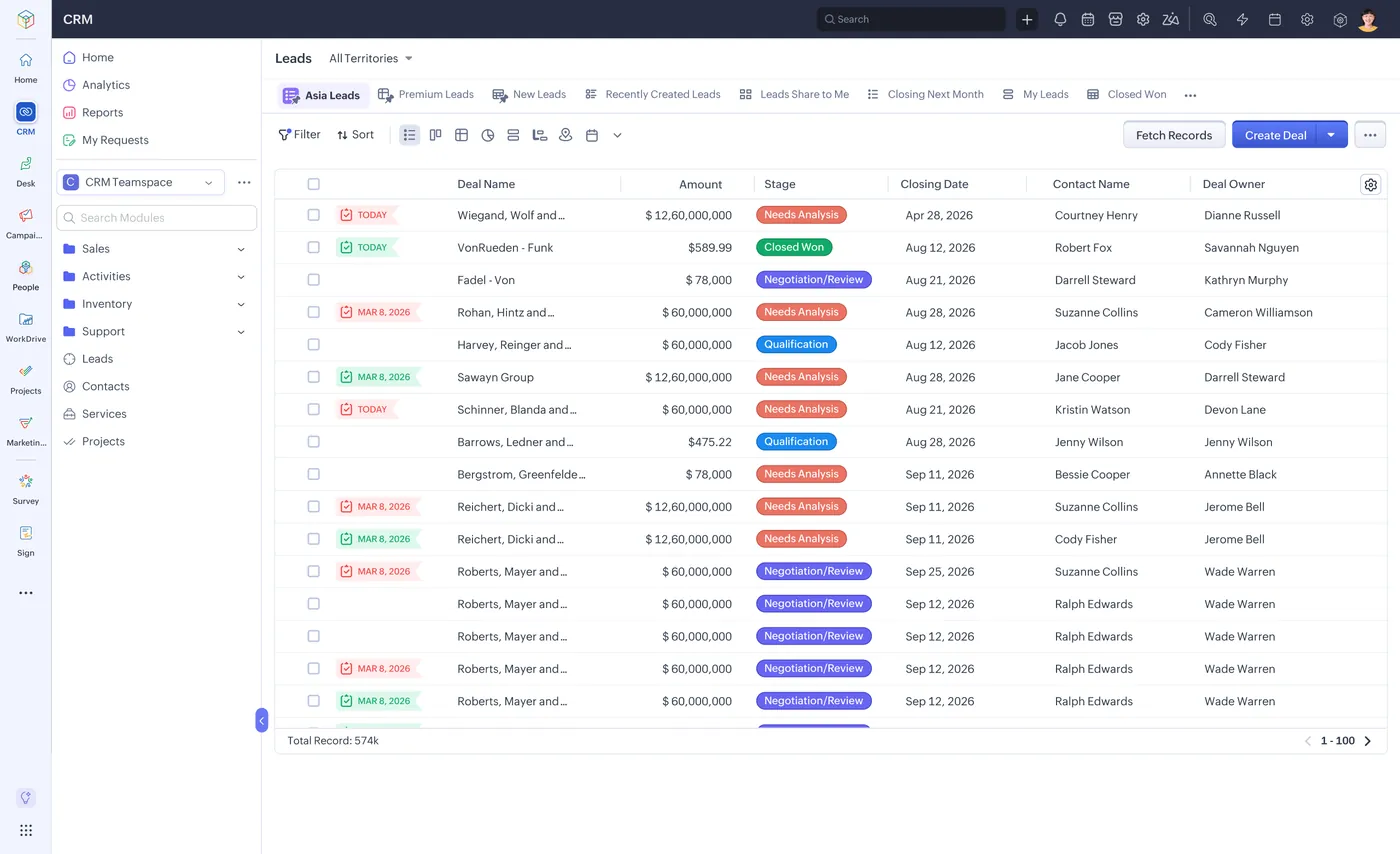
Migrate from Excel to Zoho CRM with Shyphan AI, a Zoho Premium Partner in Noida: field mapping, clean data migration, workflows and reports rebuilt, WhatsApp and telephony connected, and training for Indian sales teams.
| What | Excel to Zoho CRM |
|---|---|
| Who | Shyphan AI Solutions, Zoho Premium Partner and Odoo partner, Sector 63, Noida |
| Where | Delhi NCR on site, all of India remotely |
| How | Discovery, fixed-scope quotation, phased delivery, training and support; India-ready setup with GST, WhatsApp, IndiaMART and Razorpay |
| Contact | +91 95651 53545, contact@shyphan.com |
Businesses leave Excel for Zoho CRM for cost, for Indian integrations such as WhatsApp, IndiaMART and GST invoicing, or because the whole company is moving to Zoho One. The risk is the migration itself: lost history, broken automation and a sales team that stops trusting the data.
Shyphan AI runs Excel to Zoho CRM migrations as a project: audit what you use, map objects and fields, migrate and verify data, rebuild automation and reports the Zoho way, connect your channels and train the team before cut-over.
Zoho Premium Partner and Odoo partner headquartered in Sector 63, Noida. On-site across Delhi NCR, remote across India.
Duplicates, dead fields and inconsistent stages that should not be migrated as-is.
Excel workflows and rules with no one-to-one Zoho equivalent.
Website, telephony and email links that break at cut-over.
Reps who keep using the old system because the new one feels unfamiliar.
Which Excel objects, fields, automation and integrations are actually in use.
Zoho CRM modules, fields, pipelines and roles designed around your process.
Cleaned, mapped and migrated with verification counts and a parallel run.
Workflows, blueprints, templates and dashboards rebuilt in Zoho CRM.
Website, email, telephony, WhatsApp, IndiaMART and accounting connected.
Role-based training, cut-over plan and hypercare after go-live.
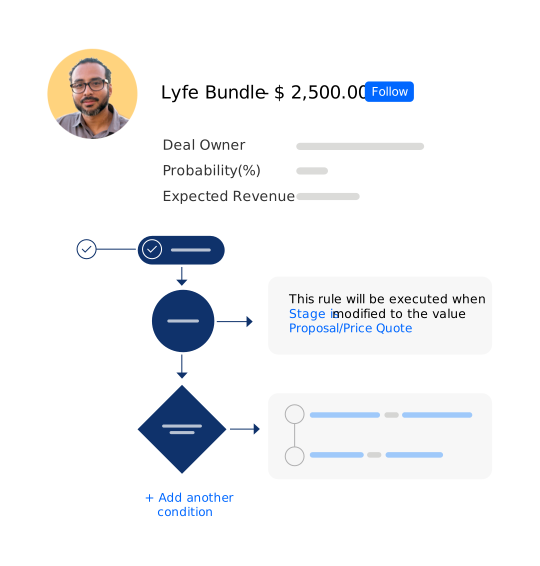
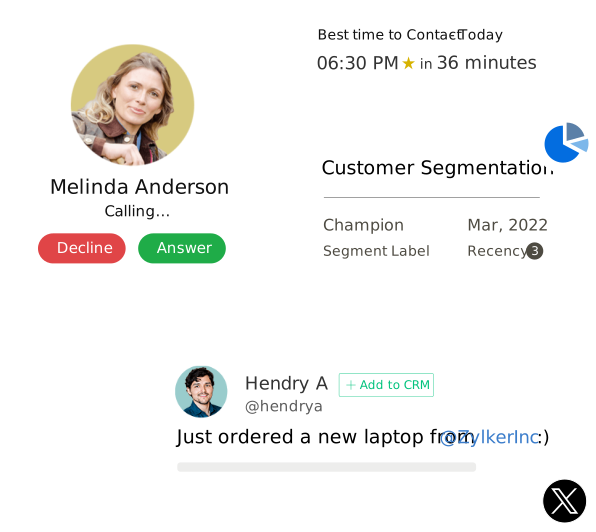
How work usually runs before the systems are connected.
How it runs once Shyphan AI has implemented and automated it.
 Right-sized Zoho CRM licences Automation redesigned for Zoho Full history with owners and dates Channels connected before go-live Automated reminders and tasks
We understand your business, teams, processes and objectives before touching any software.
We choose the right platform and design the solution architecture around how you actually work.
We configure and customize the system, module by module, against your requirements.
We connect your existing applications, accounting data, website, WhatsApp and marketplaces.
We automate repetitive processes, approvals, notifications and data movement.
We prepare your team, migrate data and move the solution into production with a controlled go-live.
We keep improving and supporting the system after launch as your business grows.
Move from Tally ERP 9 or TallyPrime to Zoho Books with masters, ledgers, opening balances and open transactions migrated.
Connect Zoho CRM to WhatsApp Business, cloud telephony, your website, email, IndiaMART, Zoho Books, Tally and third-part.
Custom modules, layouts, blueprints, workflow rules, Deluge functions, dashboards and client scripts that make Zoho CRM .
Zoho CRM editions, per-user licensing in INR, what implementation involves and how to get a quotation that covers licenc.
Role-based Zoho training for sales, finance, HR, support and admin teams, on site in Delhi NCR or live online across Ind.
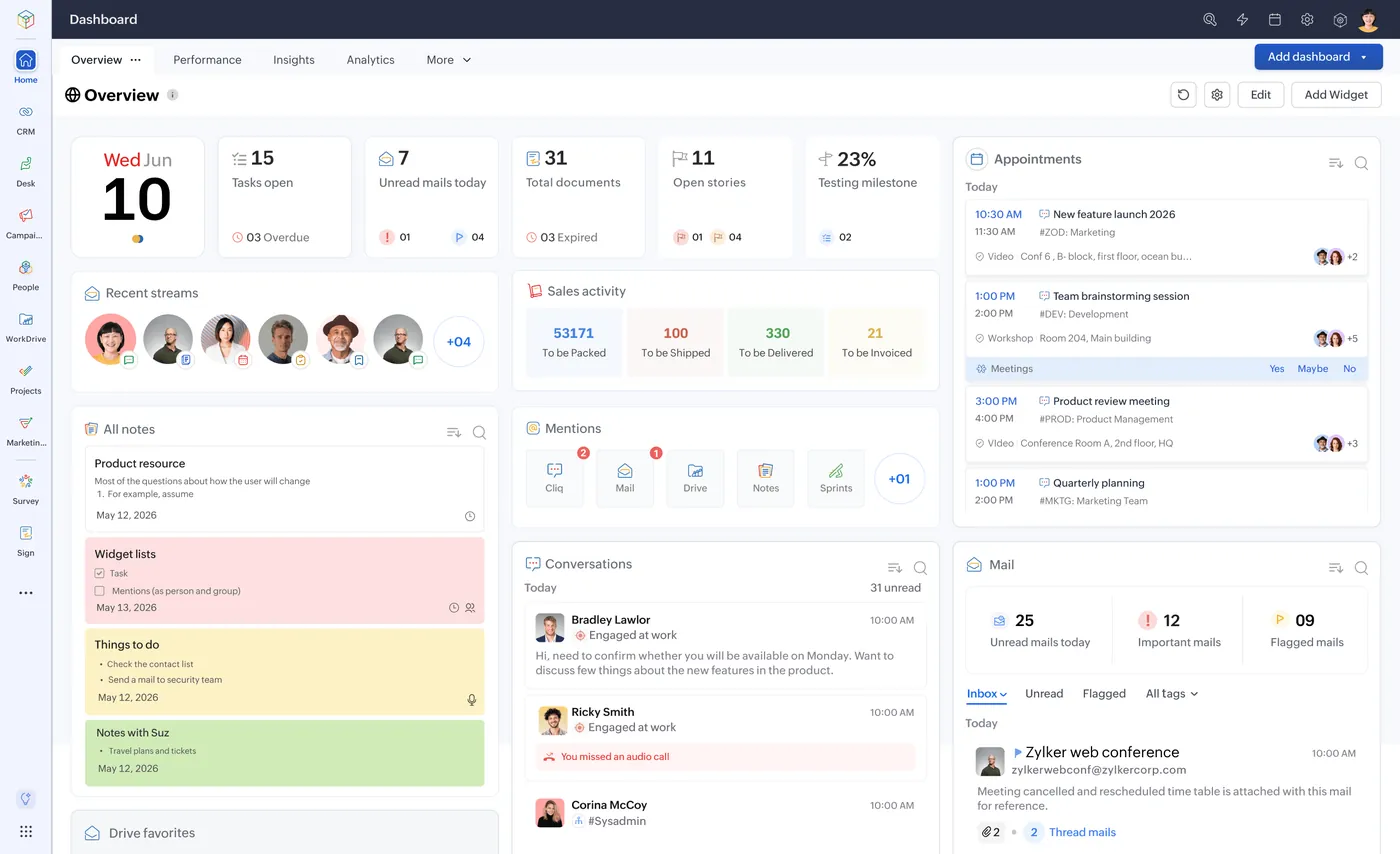 Zoho
Zoho
A practical checklist for Indian businesses choosing a Zoho partner: partner tier, certifications, GST and Tally...
Read article
Zoho CRM
How Indian sales and support teams run WhatsApp inside Zoho CRM: Business API setup, templates and opt-ins, lead...
Read article
Zoho CRM
What a real estate CRM in India must do: portal lead capture from 99acres and MagicBricks, site visit tracking, unit...
Read articleStandard objects, custom fields, activities, notes and attachments can be migrated. We audit your data first and agree what moves, what is cleaned and what is archived.
A typical mid-sized migration runs a few weeks including design, migration, automation rebuild, testing and training. Larger accounts are phased by team.
No. We migrate in parallel, verify, and switch over on an agreed date with the old system kept read-only for reference.
Yes. We rebuild workflows, approval processes and reports using Zoho CRM's tools, improving them where the old design was a workaround.
Yes. We consolidate sheets, de-duplicate on phone and email, standardise stages and sources, and import with owners assigned.
No. We configure only the modules and fields you need, train by role and add features as adoption grows.
Headquartered in Noida, Sector 63. On-site discovery and go-live support across Delhi NCR, with remote implementation and support for businesses in every Indian state.
Share a few details and we will reply with a practical recommendation, timeline and a clear quote.
Tell us what you run today. A senior consultant from our Noida team replies within one working day with scope, timeline and a clear quote.

Written and reviewed by Vikas Saroj, Co-Founder and COO of Shyphan AI Solutions, a Zoho Premium Partner and Odoo partner in Noida. Figures come from Shyphan AI's partner console and delivery records. Last reviewed 28 September 2026.



Top Zoho Partner, MEA, Q3 2026. Headquartered in Sector 63, Noida, Delhi NCR.
Share a few details and a senior consultant from our Noida team replies within one working day.